![New_Centercode_Logo.png]](https://help.centercode.com/hs-fs/hubfs/New_Centercode_Logo.png?height=35&name=New_Centercode_Logo.png)
Fields
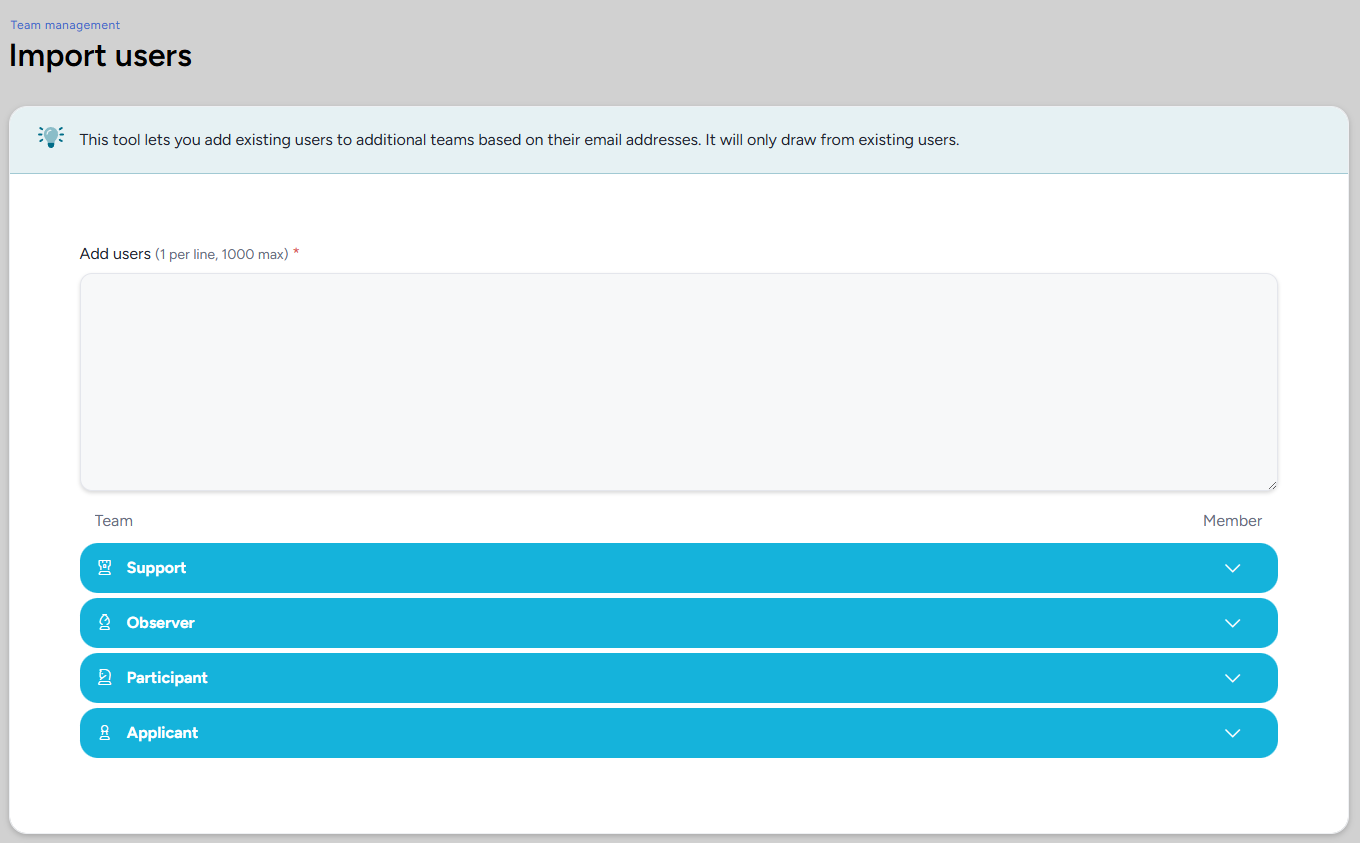
Add Users (required): A text field for the email addresses of the users you want to add. Enter one address per line, up to 1000 addresses at a time.
Team: A list of all teams in the current scope. The team you navigated from is pre-selected. Expand any team row to select or deselect it. Users will be added to every team that is selected when you submit.
💡 Ted Tip: Since you can select multiple teams in a single import, I recommend batching your work here when onboarding a group of users who need access to more than one team. One import operation beats running it separately for each team.
Notes
- Only existing members at the current scope will be added. Addresses that don't match an existing member are silently skipped - no error is shown for unrecognized addresses, so double-check your list before submitting.
- For adding large numbers of users to teams automatically based on conditions, macros are a more scalable alternative. See What Can User Macros Automate for Me?